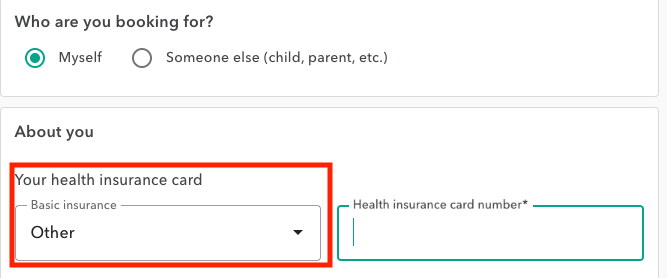
After you confirm your appointment with your personal information (step 4 of the process), you may be asked to complete the health insurance card number field.
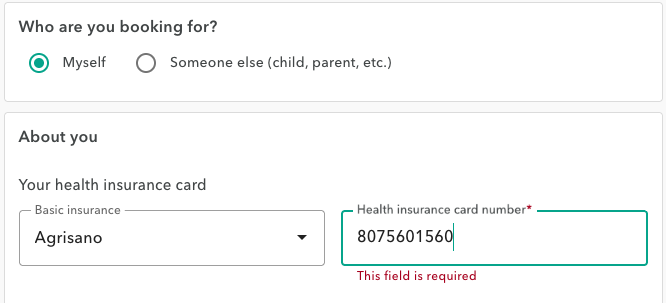
This number is not always requested by the healthcare providers with whom you want to make an online appointment on OneDoc.
However, when the number is required, the field is marked as mandatory, and the appointment cannot be confirmed if the field is not completed.
If you do not have such an insurance card (for example, if you are insured in a country other than Switzerland), please click on the basic insurance field on the left-hand side and select “Other”. This will allow you to enter your foreign health insurance number and proceed with booking the appointment.